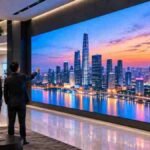
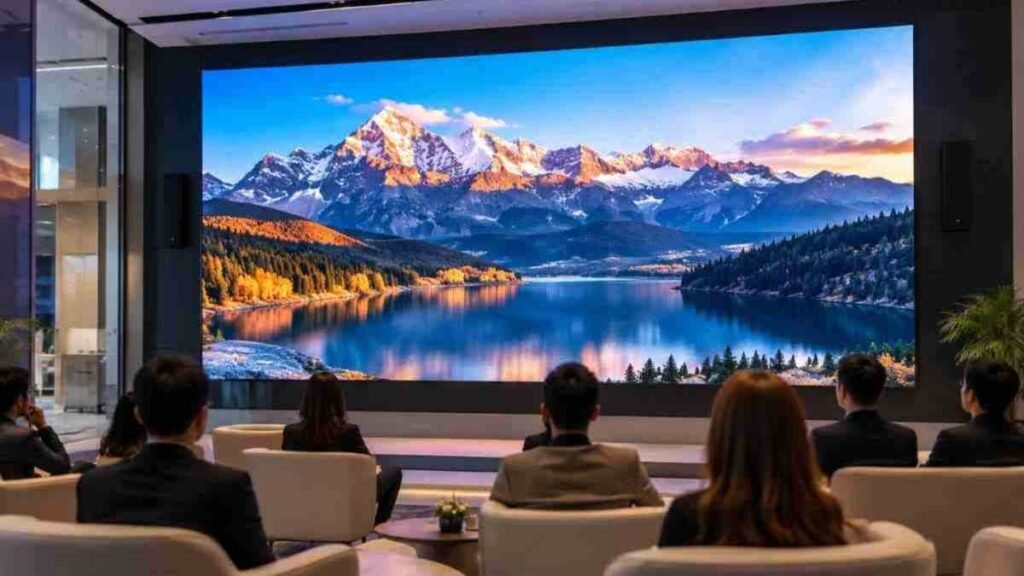
A bank in Hyderabad specified P1.2 for a branch atrium where the nearest customer stands eleven metres away. The screen looks superb, but it also cost considerably more than a P2.5 solution, with little visible difference at that distance. The reverse happens just as often: a P4 panel behind a reception desk that visitors approach closely can show visible dots at two metres. Choosing an indoor LED video wall is mostly an exercise in geometry, and the geometry becomes straightforward once the room is measured properly. Glasstronn helps businesses evaluate these factors before selecting a display, while Glasstronn focuses on matching the specification to the actual viewing environment.
Two numbers decide almost everything: how far the nearest regular viewer stands, and how wide the screen has to be. Get those on paper first.
What Pixel Pitch Means on an Indoor LED Video Wall
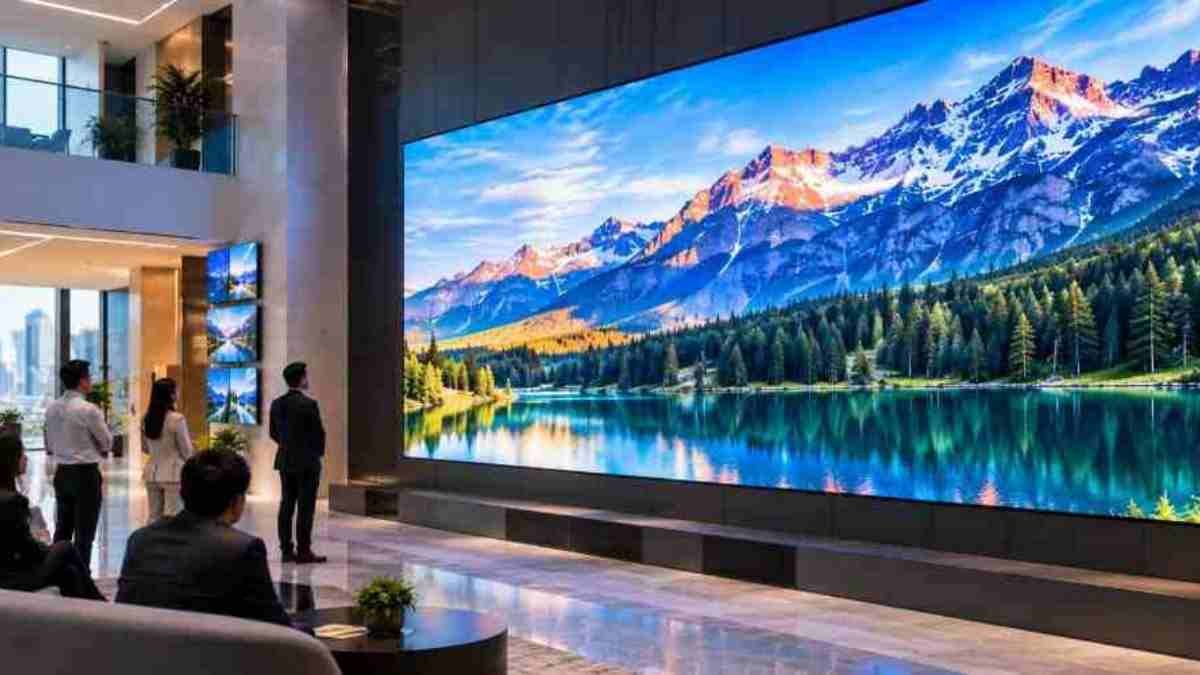
Pixel pitch is the centre-to-centre distance between adjacent pixels, measured in millimetres. P2.5 means 2.5mm. Smaller pitch packs more pixels into the same area, which raises resolution, increases cost, and lowers the distance at which the image resolves into a smooth picture rather than a grid of points.
For businesses comparing an indoor LED display, pixel pitch should therefore be considered alongside viewing distance, content type, screen dimensions and room conditions rather than treated as an isolated specification.
The One-Metre-Per-Millimetre Rule and Where It Breaks
The common working rule is that the minimum comfortable viewing distance in metres roughly equals the pitch in millimetres. P3 wants about three metres. This is a starting point, not physics. Genuinely pixel-free viewing, where the eye cannot separate adjacent pixels at all, sits closer to three times that figure.
In a lobby where people glance at the screen while walking past, the comfort rule is often sufficient. In a boardroom where an executive stares at a spreadsheet for an hour, aim closer to the stricter number.
Resolution Matters More Than Pitch for Content
Pitch alone tells you nothing until you multiply it by width. A 3.84m wide indoor LED screen at P2.5 gives you 1,536 pixels across, which is short of 1080p. The same width at P2.0 gives exactly 1,920.
If your content is full HD video, spreadsheets or CAD drawings, that difference is visible immediately in text legibility. Decide the native resolution you need, then work backwards to pitch and width together.
Measuring Viewing Distance for an Indoor LED Video Wall
Walk the space with a tape. Note three distances: where the closest person will regularly stand, where the main seated or standing audience sits, and the furthest useful position.
The nearest regular position drives the pitch. Occasional close approach does not, so don’t specify a fine pitch LED wall because somebody might once stand a metre away to take a photograph.
Ceiling height and mounting height change the calculation too. A screen mounted three metres up in a double-height atrium has an effective viewing distance well beyond the floor plan measurement because the sight line is diagonal. Measure the diagonal, not just the floor distance.
Matching Pitch to Application
| Space | Nearest Regular Viewer | Sensible Pitch | Notes |
| Boardroom, control room | 1.5–2.5 m | P0.9–P1.5 | Text-heavy content, long dwell time |
| Reception, experience centre | 2–3.5 m | P1.5–P2.5 | Brand video, moderate detail |
| Retail floor, showroom | 3–5 m | P2.5–P3 | Motion content forgives coarser pitch |
| Auditorium, banquet hall | 5–10 m | P3–P4 | Prioritise size and brightness |
| Concourse, atrium | 8 m and beyond | P4–P6 | Fine pitch may be unnecessary |
Use the table as a first filter for an indoor LED video wall, then sanity-check against resolution. A commercial LED display that satisfies the distance rule but delivers only 1,280 pixels across can still disappoint anyone showing detailed dashboards on it.
Brightness, Contrast and How Rooms Actually Look
Most indoor LED video wall panels run between 600 and 1,200 nits, and in a controlled interior you’ll usually dim them to somewhere between thirty and sixty percent. A wall at full output in a dark boardroom can be uncomfortable after prolonged viewing.
What matters more than peak brightness is black level and surface finish. Matte masking, black-package LEDs and good shading keep contrast high under office lighting, and that can do more for perceived quality than simply adding another two hundred nits.
Ambient light needs consideration as well. An indoor LED display facing a glazed facade at midday competes with daylight, and in many Indian cities that means strong daylight exposure for much of the year. Either raise the brightness specification or reconsider the wall position.
Refresh Rate, Grayscale and On-Camera Performance
If the indoor LED video wall will ever appear on camera, refresh rate stops being a footnote. Panels at 1,920Hz can show banding or scan lines when filmed.
For studios, recorded town halls, corporate events, or spaces where phone cameras will regularly point at the screen, specify 3,840Hz and confirm the grayscale depth at low brightness. Cheaper panels can lose colour steps when dimmed, which may appear as blotchy dark scenes.
Practical Selection Checklist
- Measure the nearest regular viewing position and the diagonal sight line.
- Fix the required native resolution from your content, not from the panel brochure.
- Choose the pitch that satisfies both, then round the size to the cabinet grid.
- Confirm brightness and refresh rate against the room’s lighting and camera use.
- Check front or rear service access and leave the clearance the design needs.
- Budget spare modules and power supplies from the same production batch.
Step five catches people late. A flush LED video wall built into a niche with no rear access needs front-serviceable modules, and that decision has to be made before the civil work, not after.
Heat, Noise and Power in Enclosed Rooms
An indoor LED screen draws real power and turns most of it into heat. Averaging 150 to 250W per square metre in normal content, a ten-square-metre wall adds a noticeable load to a small meeting room’s air conditioning.
Ask for fanless cabinets in quiet spaces because fan noise in a boardroom is the complaint nobody predicts. Any commercial LED display needs a dedicated feed, properly earthed and sized for peak draw rather than average, with the processor on a protected supply so it doesn’t reboot with every voltage dip.
Running hours matter too. A wall driven at full output for twelve hours a day in a warm, poorly ventilated niche will see its power supplies age faster than the same panels dimmed to fifty percent with adequate clearance behind the cabinets for air movement. Leave that gap in the design.
Why Choose Glasstronn for Indoor LED Video Walls?
Choosing the right display involves more than comparing pixel pitch and cabinet specifications. The room, viewing distance, content requirements, brightness conditions, installation environment and service access all influence the final specification.
Glasstronn can help businesses evaluate these practical requirements before finalising an indoor LED video wall. The focus should be on selecting a configuration that suits the space and intended use rather than simply choosing the smallest available pixel pitch.
Frequently Asked Questions
What pixel pitch is best for a conference room?
For a room where people sit two to three metres from the screen, P1.5 to P2.0 usually hits the balance. Go finer only if you regularly display small text or detailed drawings. Below P1.2, the cost rises steeply for a difference many viewers in that room may not notice.
Can an indoor LED video wall replace a projector?
Usually yes, and it can perform better in lit rooms because there is less concern about image washout, lamp replacement or shadows. The trade-offs are upfront cost, structural depth and the need for a proper power feed. For rooms used daily, the operating requirements should be compared over the expected service period.
Does a smaller pixel pitch mean better picture quality?
Only within the viewing distance it was chosen for. Beyond that range, the eye cannot resolve the extra detail, so a fine pitch LED wall can mean paying for resolution that viewers cannot appreciate. Picture quality at a distance also depends on brightness, uniformity, calibration and black level.
How long does an indoor LED video wall last?
A quality indoor LED screen can have a long rated operating life, but practical lifespan also depends on power supplies, thermal conditions, usage hours, maintenance and module availability. Confirm that the supplier can provide compatible spare modules and components for the expected service period.
Conclusion
Specifying an indoor LED video wall well comes down to honest measurement rather than chasing the finest pitch you can afford. Measure where people actually stand, decide the resolution your content genuinely needs, then let those two numbers narrow the pitch options to one or two. Check brightness against the room’s daylight, refresh rate against camera use, and service access against the architecture before anyone orders cabinets.
Done in that order, the specification can avoid unnecessary spending while delivering the visual performance the room actually requires. Done backwards, you either see visible pixels or pay for resolution nobody can meaningfully resolve.
If you’re deciding between pitches for a specific room, walking an experienced supplier through the space and sight lines is a practical way to develop a specification matched to your situation. Glasstronn can help you evaluate the relevant display requirements, while Glasstronn provides a starting point for discussing the right configuration.
Ready to Select the Right Indoor LED Video Wall?
Request a Display Consultation to discuss your room dimensions, viewing distance, content requirements and preferred LED configuration before you finalise your specification. Request a Free Consultation